CoreXBiz Bookings

Online booking your customers can use on any phone.

Booking forms, your team’s hours, confirmations and reminders, and a link or one line of code for your own website. Free for up to 2 bookings a day, right at corexbiz.com.

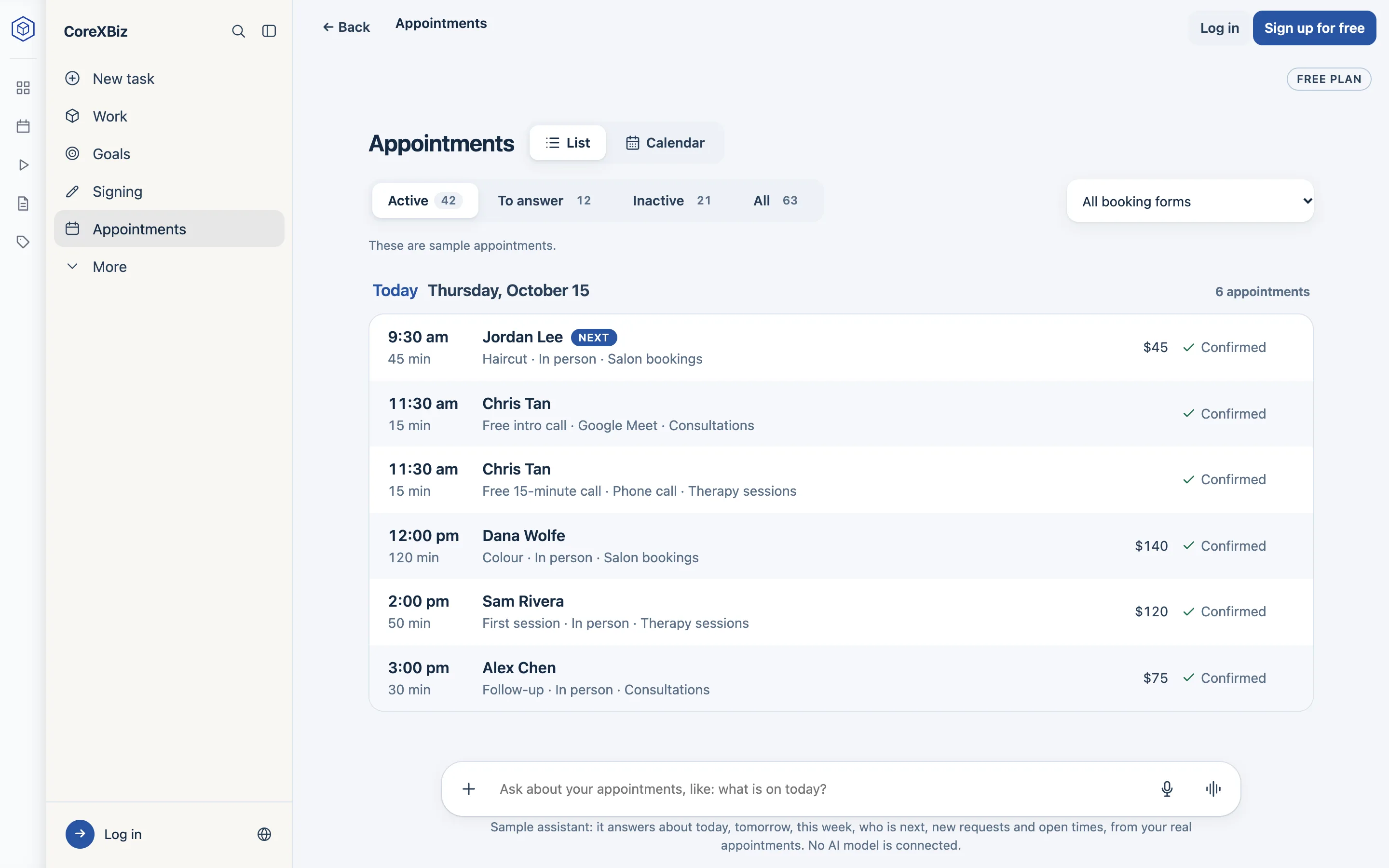
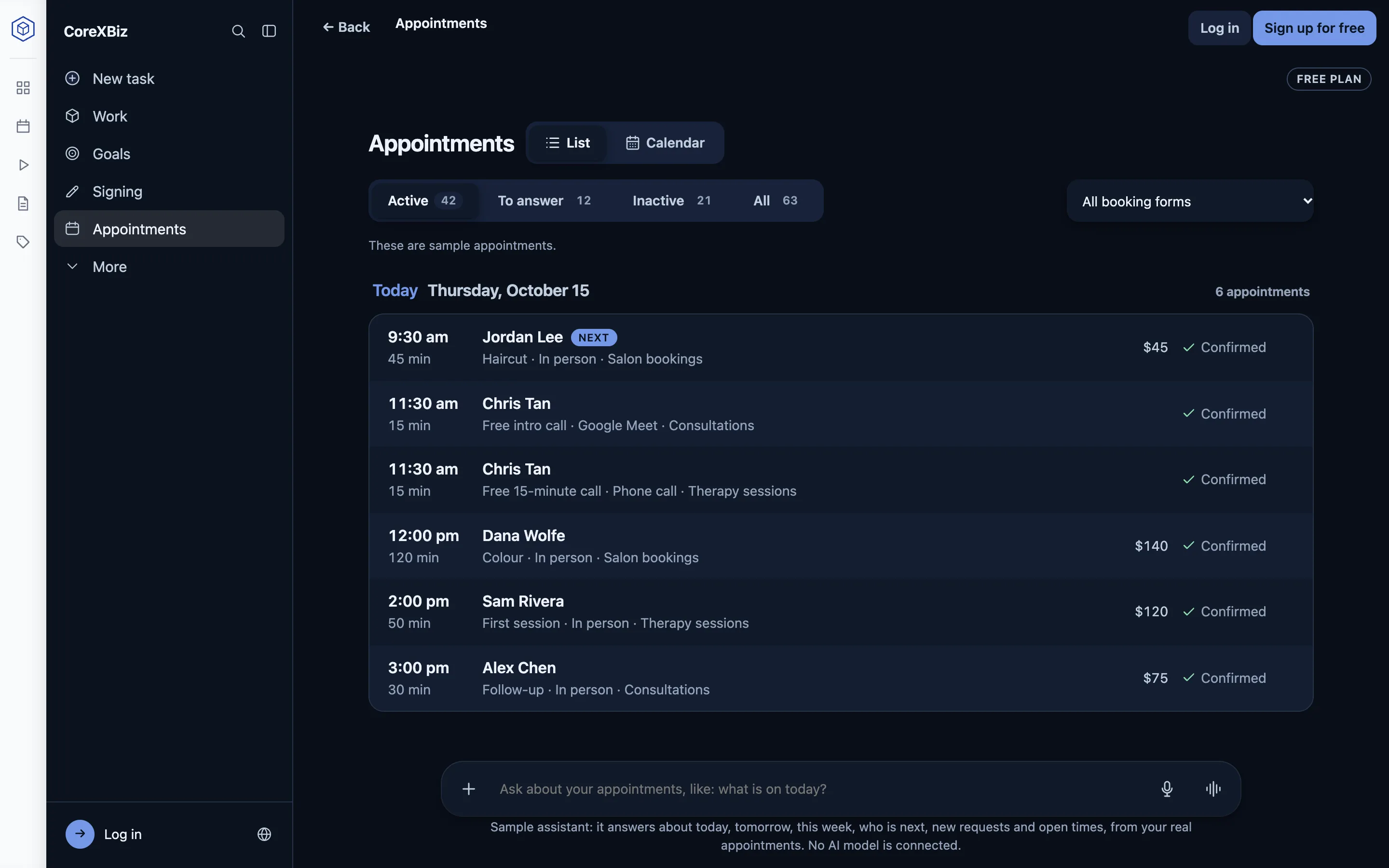
The Appointments list: today’s six appointments with their time, length, customer, service, place, price and “Confirmed”.
Appointments in CoreXBiz Bookings. Screens from the app with sample data.

How it works

From a ready-made form to your first booking

  1. Pick a ready-made form

    Eight forms to start from: a clinic, a salon, consultations, therapy, home service visits, lessons and more.

  2. Make it yours

    Your services with their length and price, your opening hours, and the questions you ask.

  3. Share it

    Send the link, print its QR code, or put the form on your own website with one line.

  4. Confirm and manage

    New requests wait for you to confirm. Move, cancel or complete any appointment.

  5. Customers are reminded

    A confirmation with a calendar file, then reminders the day before and two hours before.

What's inside

Everything a booking needs

Each part says whether you can use it today or whether it is coming.

Available now

Booking forms

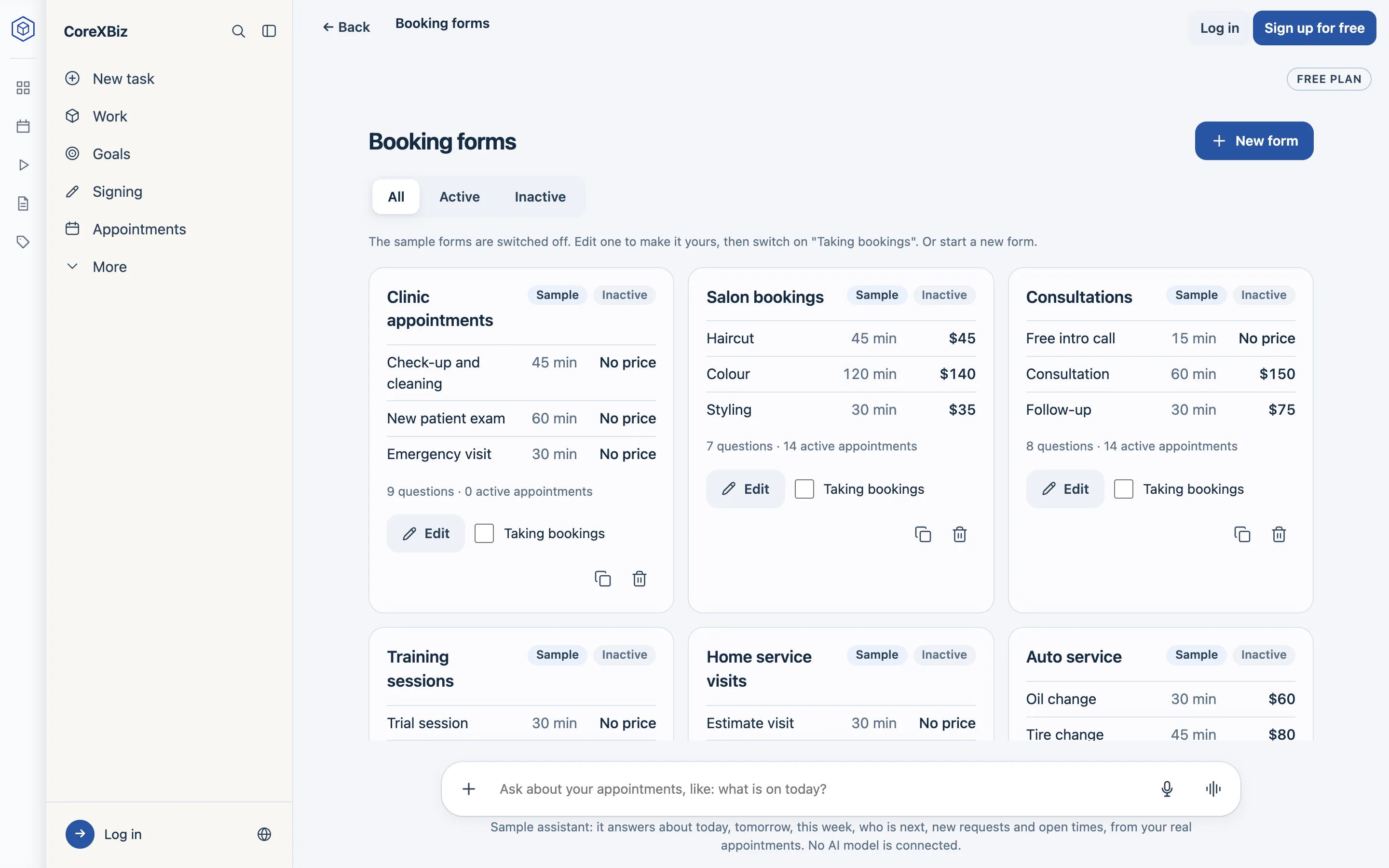
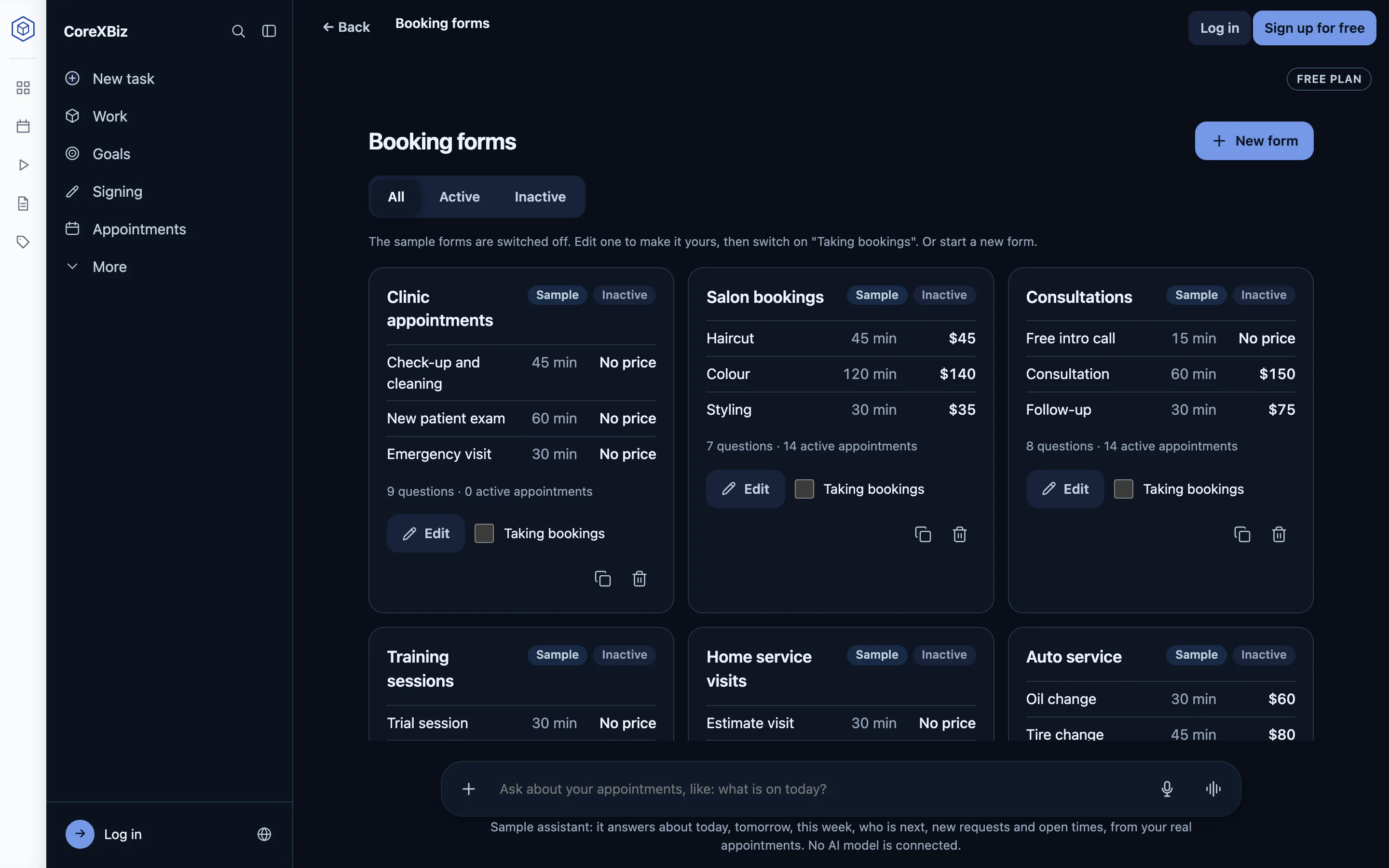
Start from one of eight ready-made forms and switch it on when it is ready. Set your services (name, length, price), where appointments happen (in person, by phone or online), your opening hours, breaks between appointments, the earliest booking, how far ahead customers may book and how many bookings a day.

The Booking forms page: ready-made forms for a clinic, a salon and consultations, each with its services, lengths and prices and a “Taking bookings” switch.
Available now

Questions you drag into place

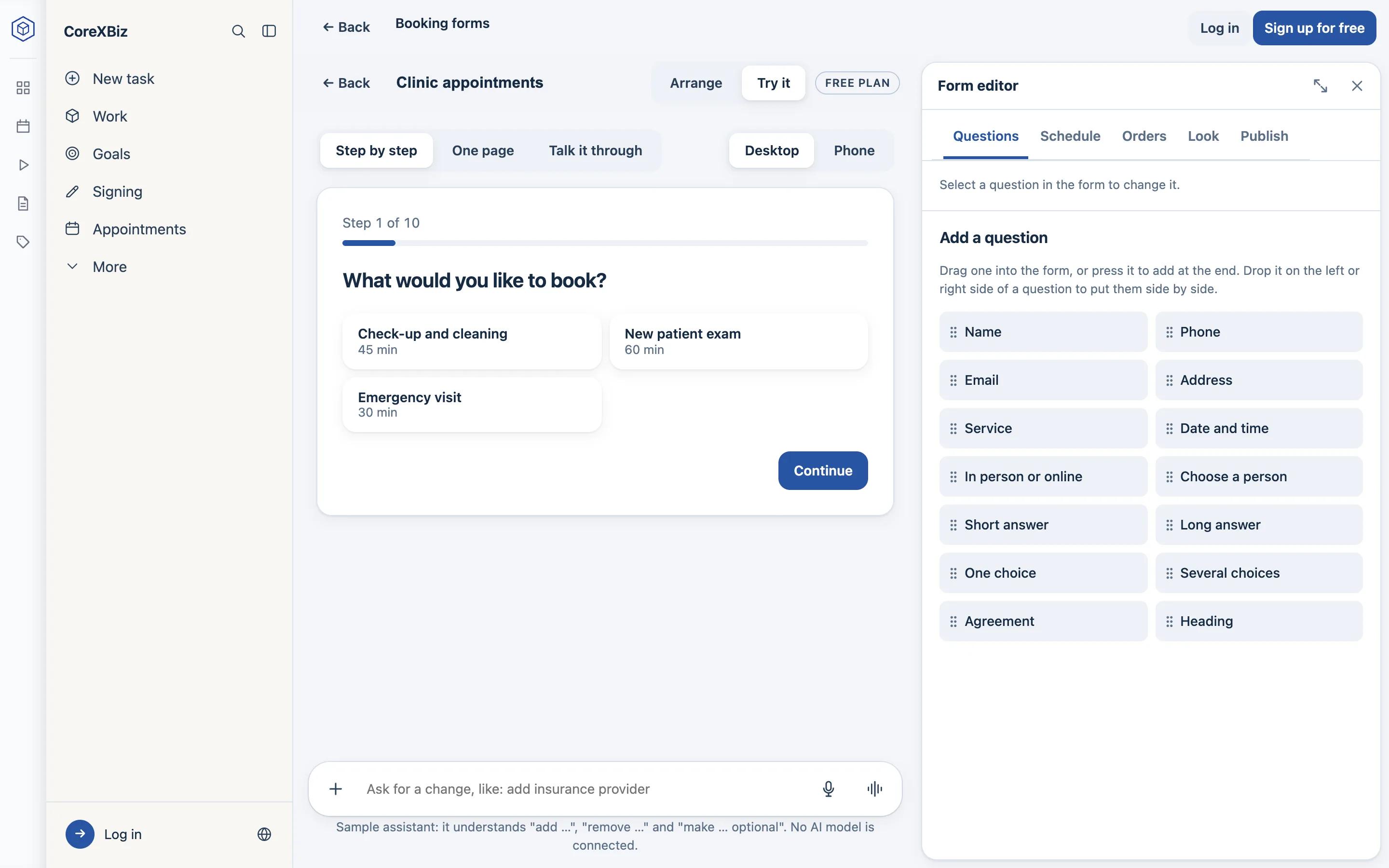
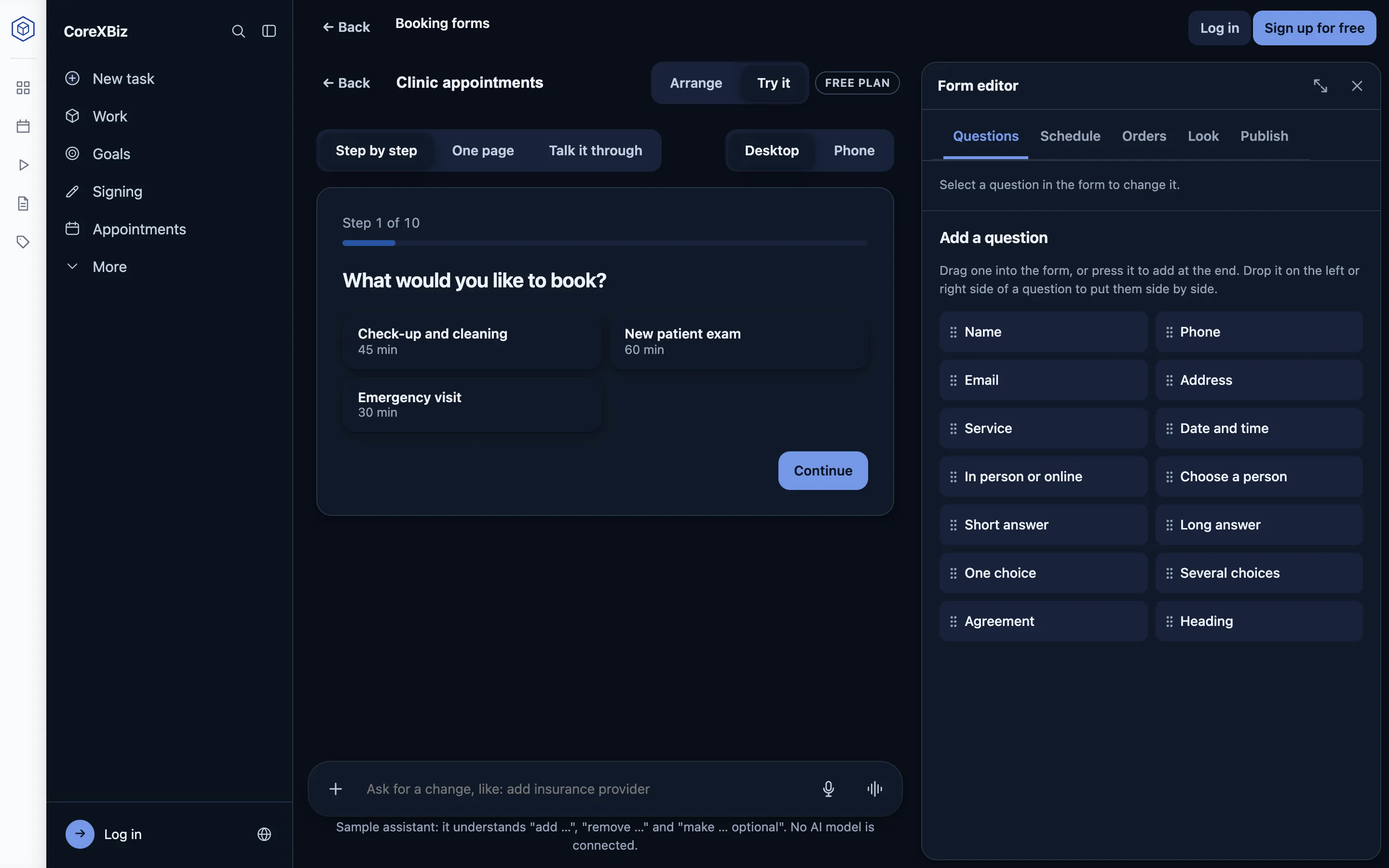
Ask for exactly what you need: name, phone, email, address, the service, a person, a date and time, and your own questions. Drag a question beside another to make columns. “Try it” shows the form as your customers see it, step by step, on one page, or as a conversation, on a computer or a phone.

A form being built: the customer’s first step, “What would you like to book?”, beside the Form editor with the questions you can add.
Available now

Every appointment in one list

Today’s and upcoming appointments, with the service, the person, where it happens and the price. New requests wait under “To answer”. Open any appointment to confirm, move, cancel or complete it, or add a private note. Enter a phone call or a walk-in by hand, and repeat it every week, two weeks or month.

The Appointments list: today’s six appointments with their time, length, customer, service, place, price and “Confirmed”.
Available now

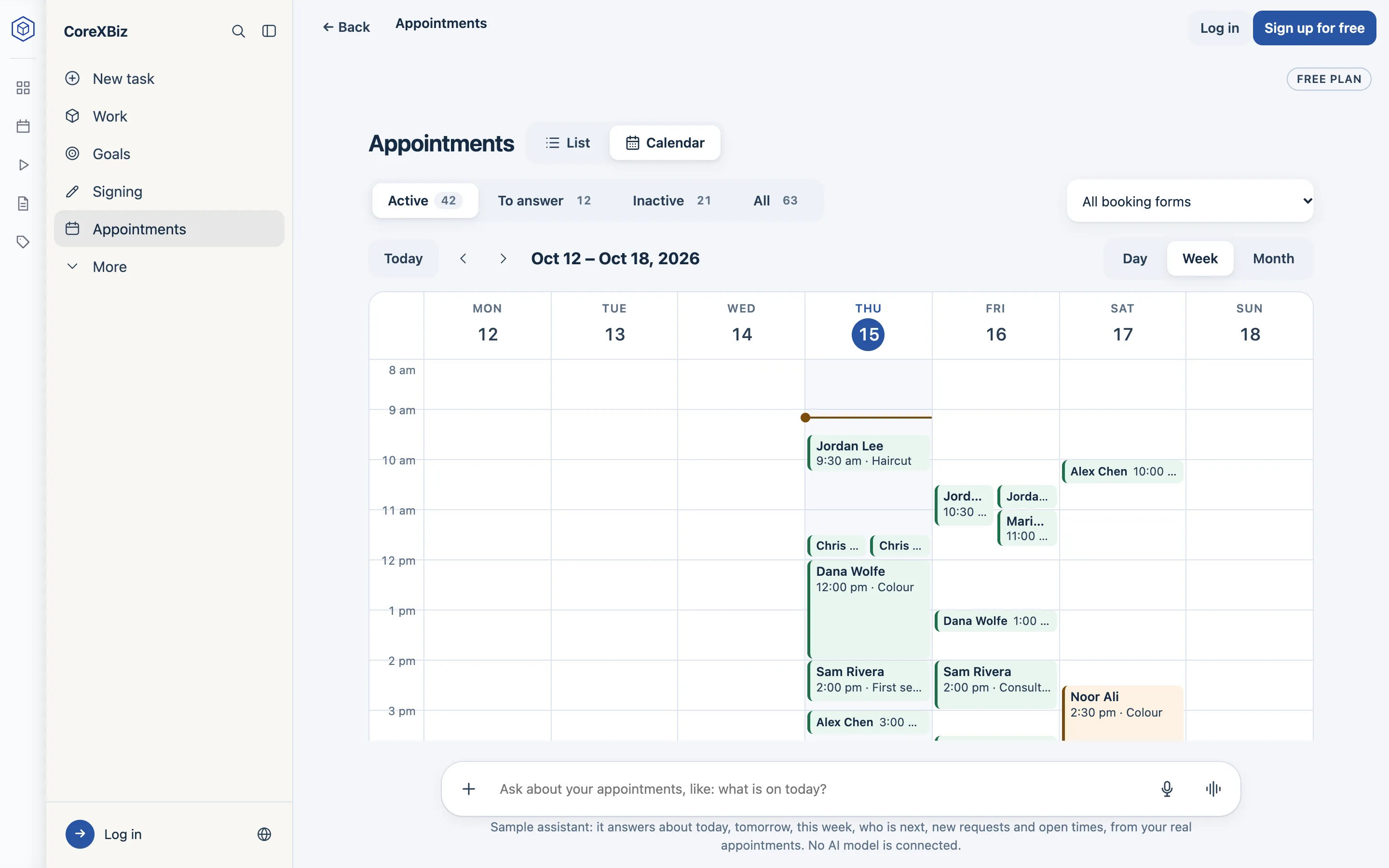
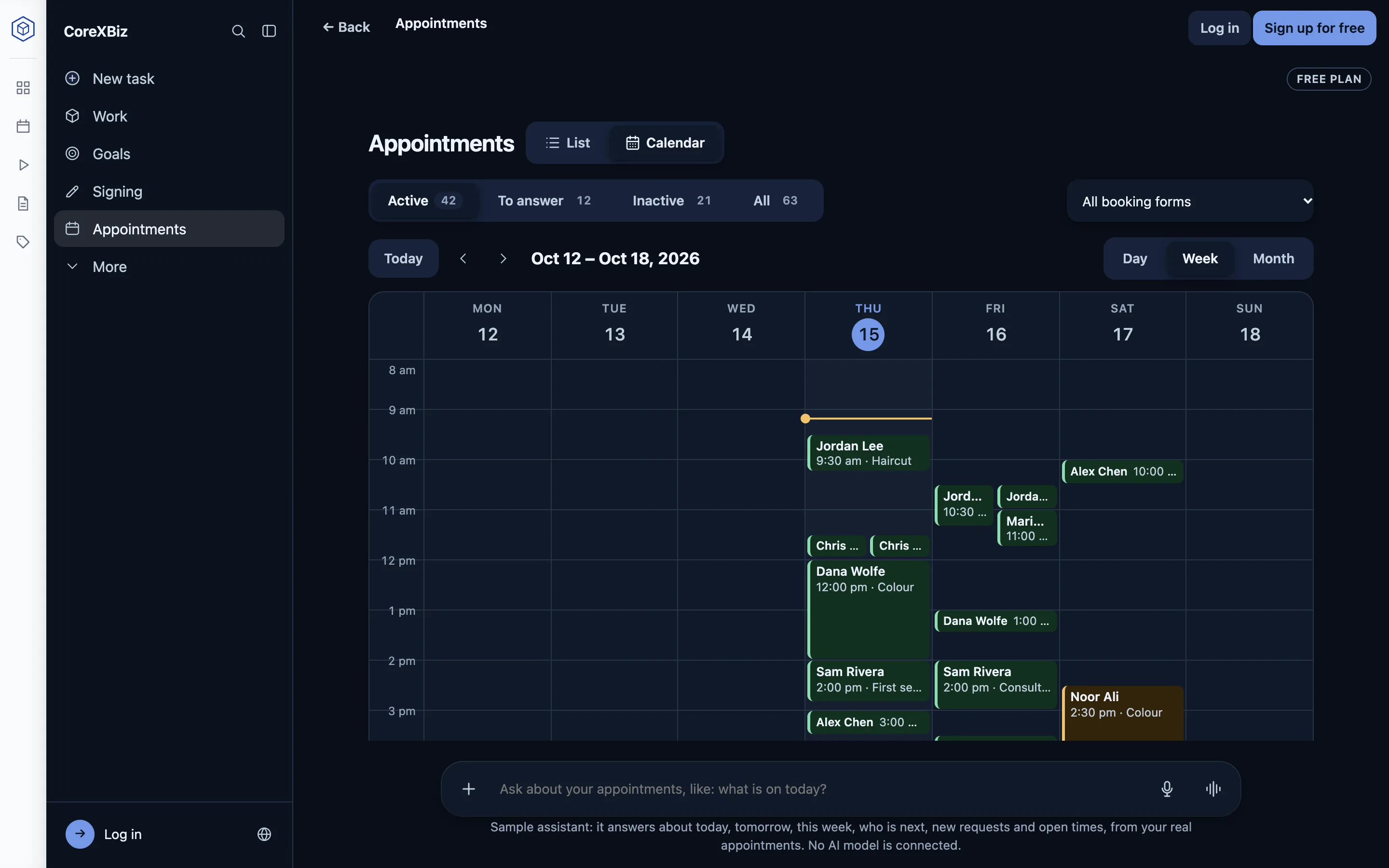
A calendar by day, week or month

See the week at a glance, with the time now marked. Each person can also add their own appointments to Google Calendar, Outlook or Apple Calendar with a private calendar address.

The week view of the calendar: appointments from Monday to Sunday, with the customer, time and service on each.
Available now

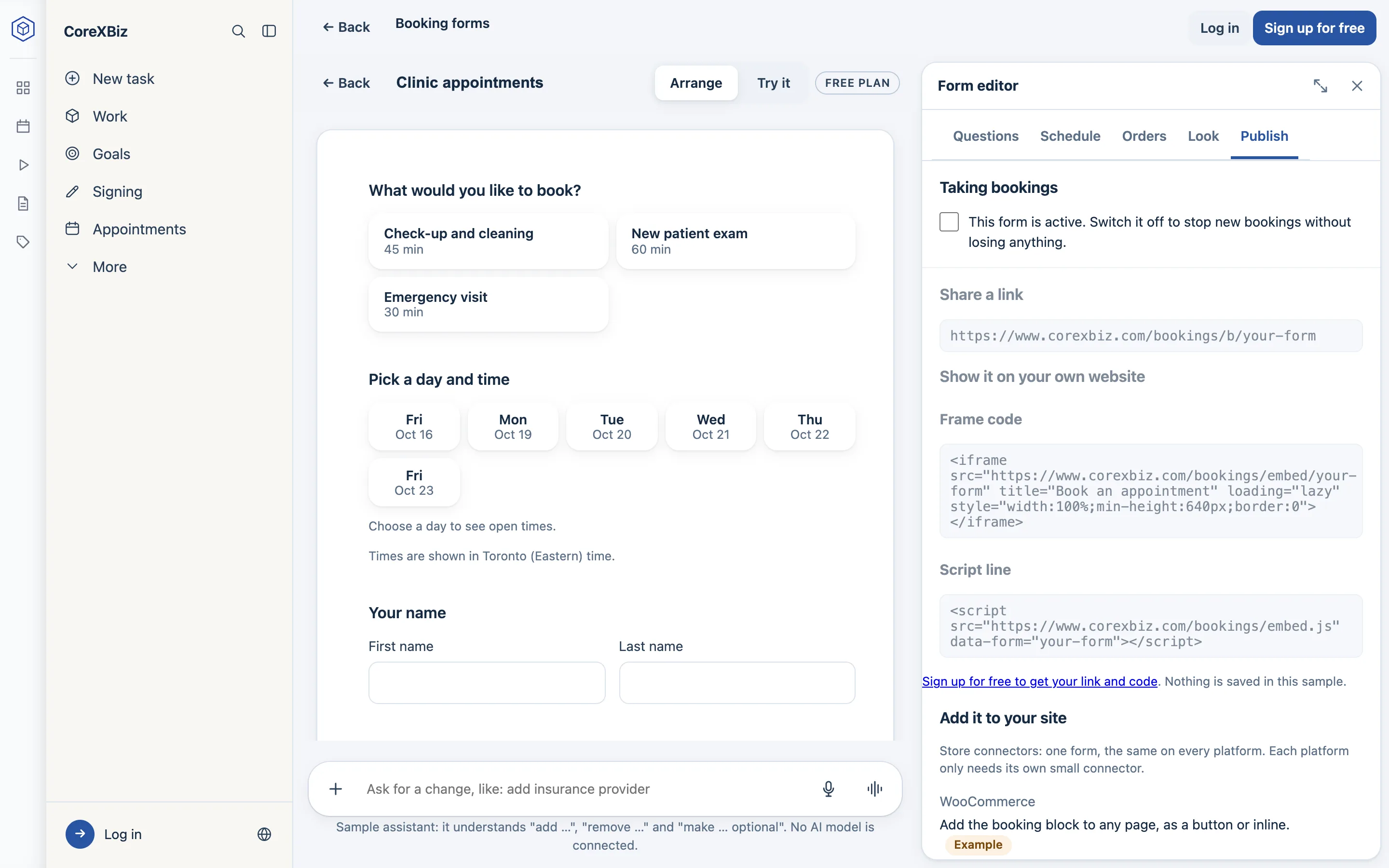
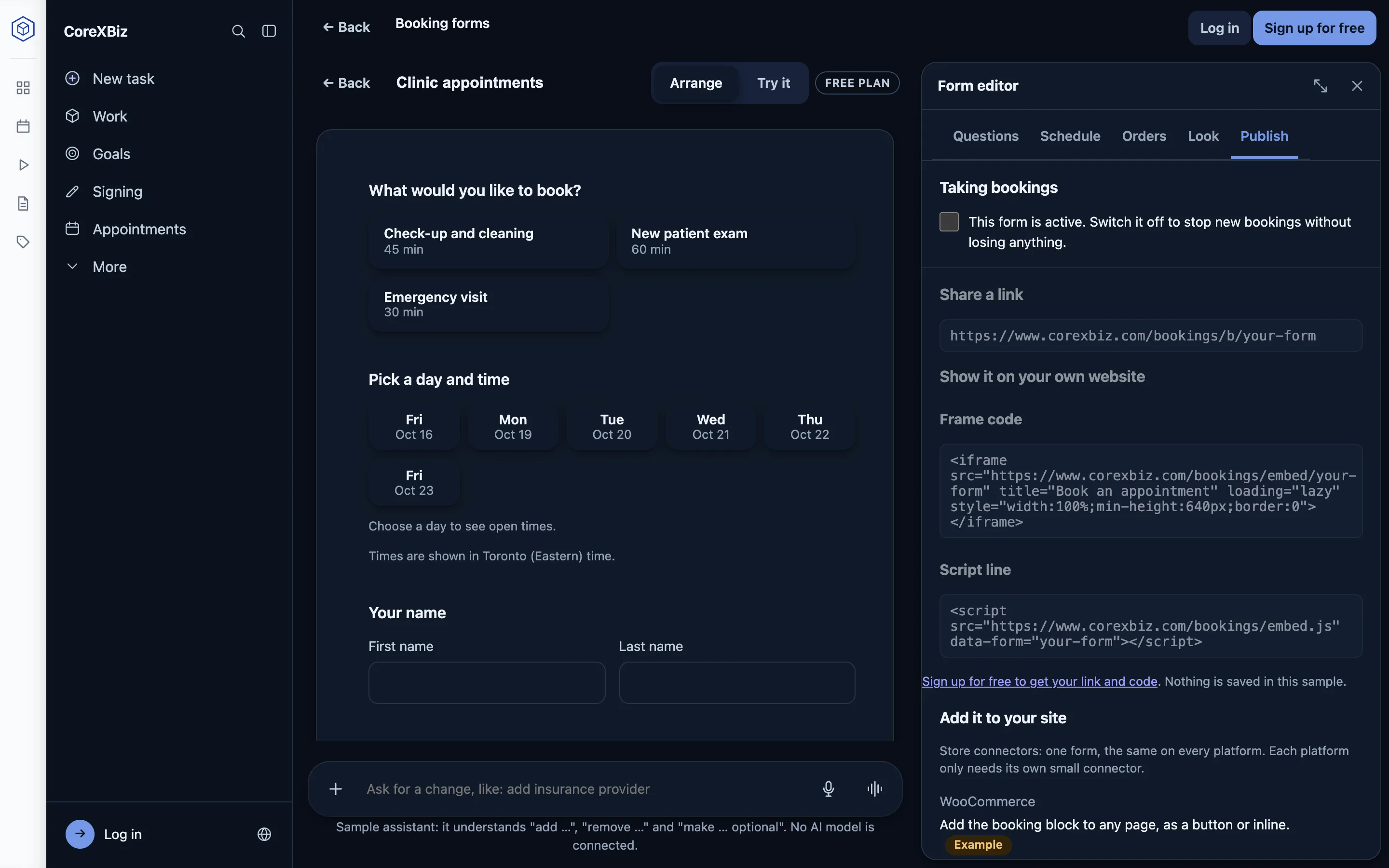
A link, a QR code, or your own website

Every form has a link that works on any phone, in an email or as a QR code. To show the form on your own website, paste the frame code or one line of script: WordPress, Shopify, Wix, Squarespace or any page, with no plugin. Only the booking form can be shown on another site, and it sets no cookies.

The Publish tab: the form’s link, the frame code and the one line of script to show the form on your own website.
Available now

Your team and their hours

Each bookable person has their own hours and days off. Customers can choose a person or take whoever is free. Owners and admins see everything; a member sees only their own appointments.

Available now

Your customers

Everyone who booked, with their history and your notes. Stop a customer booking online, or erase their details when they ask.

Available now

Confirmations and reminders

By email, in your business’s name: a confirmation with a calendar file, reminders the day before and two hours before, and a link to change or cancel until your notice period.

Available now

Ask about your day

The chat box under every Bookings page answers what is on today, who is next, whether there are new requests, and when the next free time is.

Coming

Text message reminders

Reminders by text, counted against your plan’s allowance.

Coming

Google and Outlook calendar sync

Busy times in your own calendar block bookings, and new appointments appear there by themselves.

Coming

Online payment and store orders

Paying when booking, and an appointment that becomes an order in your WooCommerce, Shopify or Wix store. Today customers pay in person.

Plans

Start free. Pay only when you need more.

Over the free limit, a booking is still taken, marked as over your plan’s limit, and you are told: you never lose a customer.

Free

Available now

Up to 2 new bookings a day and 50 a month, with everything marked “Available now” on this page. A small “Booked with CoreXBiz” line shows under a form on your own website. No card.

Paid

Coming

No booking limit, text message reminders, and the choice to hide the “Booked with CoreXBiz” line and show a form only on your own websites. Prices will be shown here when paid plans open.

Bookings uses the same CoreXBiz account as AI Workers, in the same app.

Privacy and safety

Your customers’ details stay yours

  • Your customers’ details go only to your business, to arrange their appointment.
  • The booking form sets no cookies and has no tracking, on your site or ours.
  • Spam is kept out without puzzles for your customers: limits per visitor, a hidden trap and a short minimum time to fill.
  • You can switch a form off at once; a form that is off says only that it is not taking bookings.
  • Your data is never sold and never used for advertising.

The details are in our Privacy Policy.

Common questions about Bookings

What is CoreXBiz Bookings?

Online appointment booking for any business that takes appointments: booking forms, your team’s hours, a booking page your customers use on any phone, and one list of appointments to confirm, move or cancel. It runs in the browser at corexbiz.com, with the same account as CoreXBiz AI Workers.

Is it free?

Yes. The free plan takes up to 2 new bookings a day and 50 a month, with no card. Paid plans with no booking limit and text messages are coming; their prices are not published yet.

What happens when I go over the free limit?

By default the booking is still taken, marked “over your plan’s limit”, and you are told, so you never lose a customer. You can choose to refuse bookings over the limit instead in Settings.

Do I need a website?

No. Every form has its own link that works on a phone, in an email or as a QR code. If you have a website, you can show the form on it too.

How do I put a booking form on my website?

Open the form, then Publish. Copy the frame code (for sites that do not allow scripts) or the one line of script (it sizes itself), and paste it where the form should appear: WordPress, Shopify, Wix, Squarespace or any web page. No plugin is needed. On the free plan a small “Booked with CoreXBiz” line shows under the form.

Can customers book in person, by phone or online?

Yes. A form can offer any of the three and the customer picks. For online appointments you paste the meeting link you always use (Zoom, Google Meet or Microsoft Teams); creating a new link for each booking is coming.

Do customers get confirmations and reminders?

Yes, by email: a confirmation with a calendar file, a reminder the day before and two hours before, and a link to change or cancel their booking until the form’s notice period. Text message reminders are coming.

Do I confirm every booking myself?

You choose per form. New online bookings can wait under “To answer” for you to confirm or decline, or be confirmed at once.

Can each person on my team have their own hours?

Yes. Each bookable person has their own working hours and days off, and customers can choose a person or take whoever is free. People join with their own CoreXBiz account as an owner, an admin or a member; a member sees only their own appointments.

Does it work with Google Calendar or Outlook?

Each person gets a private calendar address that shows their appointments in Google Calendar, Outlook or Apple Calendar. Two-way sync, where busy times in your own calendar block bookings, is coming.

Do customers pay online?

Not yet. Customers pay in person today; online payment is coming. You can give each service a price and a length.

Is my customers’ information safe?

Your customers’ details go only to your business. The booking form sets no cookies and has no tracking, it is protected against spam, and you can switch a form off at once. CoreXBiz never sells your data. The details are in the Privacy Policy.
Take your first booking today.

Try the sample first, or sign up and switch on your first form. The free plan needs no card.